GPS Speedometer
Your dashboard, reimagined.
GPS-accurate speed, beautiful gauges, and a HUD that keeps your eyes on the road. GPS Speedometer turns any phone into a precise speedometer for cars, motorcycles, bicycles, scooters, boats, trains and skateboards — with trip logging and real-time speed-limit alerts.
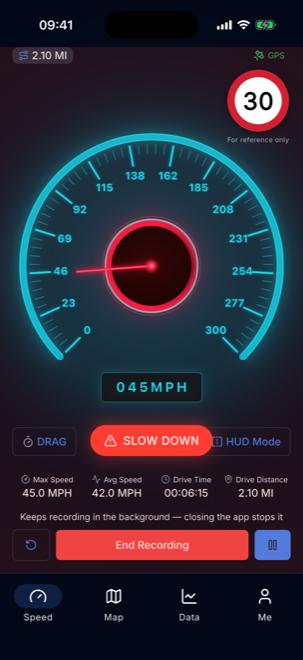
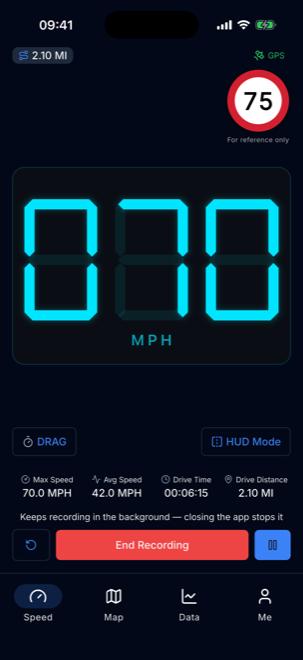
See it in action
Built for the road ahead.
01Live speed with the road's limit
02Over-speed alert
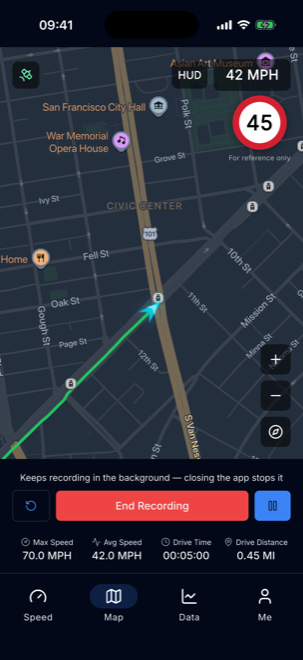
03Leaderboards in your country and the world
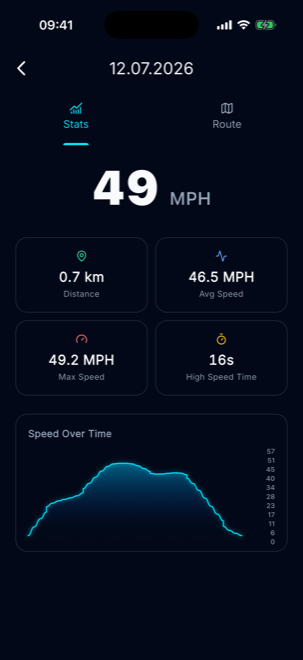
04Drag timer: 0–60 in seconds
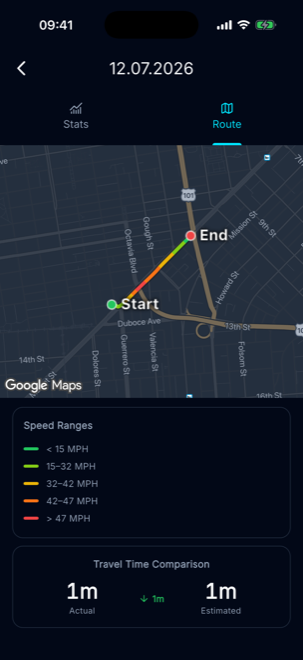
05Route tracking on the map
06HUD mode for the windshield
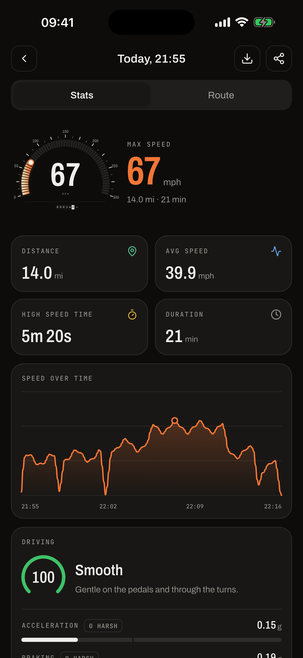
07Trip stats and driving score
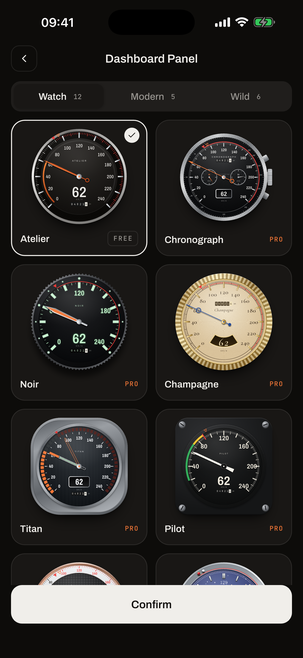
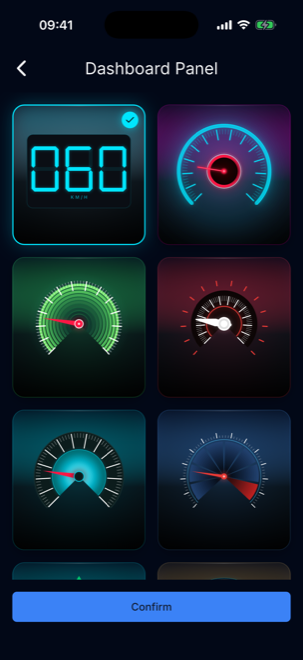
08The gauge gallery
Everything in the app
Built and shipping today.
Not a roadmap — every feature below is in the app right now.
GPS-accurate speed
Live speed read straight from GPS, with seven vehicle profiles from car to skateboard.
17 gauge themes
Digital Clean, Neon Cyber, Radar Green and more — double-tap the gauge to switch.
Automatic speed limits
Reads the posted limit for the road you're on from real road data, as you drive.
Over-speed alerts
A full-screen flash and a clear warning the moment you cross the limit.
HUD mode
Mirrored digits project onto your windshield, with the screen kept awake.
Trips & analytics
Distance, max and average speed, drive time, a speed-over-time chart and the full route.
Also included
- 0–100 drag timer
- Live Activity & Dynamic Island
- Picture-in-Picture widget
- km/h · mph · knots
- Steps & calories
- Light & dark themes
How it works
- 1
Start moving
Grant location access once and the gauge locks on to your live GPS speed.
- 2
Make it yours
Pick a vehicle type, a gauge theme and your units — km/h, mph or knots.
- 3
Record the drive
Hit record to log the trip, then review the route, stats and speed chart afterwards.
Speaks your language.
The full interface is translated into 39 languages, so GPS Speedometer feels native wherever the road takes you.
GPS Speedometer guides
2 guides →From the journal
All posts →iPhone Location Settings for GPS Speedometer Apps
Location Services, While Using vs Always, Precise Location and Background App Refresh: the iPhone settings a GPS speedometer needs, and what to check.
km/h, mph and Knots Explained, With Easy Conversions
What km/h, mph and knots actually measure, where each one is used, the exact factors to convert between them, and quick tricks for doing it in your head.
How to Track Cycling Speed With Just Your iPhone
Your iPhone can work as a bike speedometer with no sensors. How to mount it, record a ride, and read max versus average speed without being misled.
Legal & support